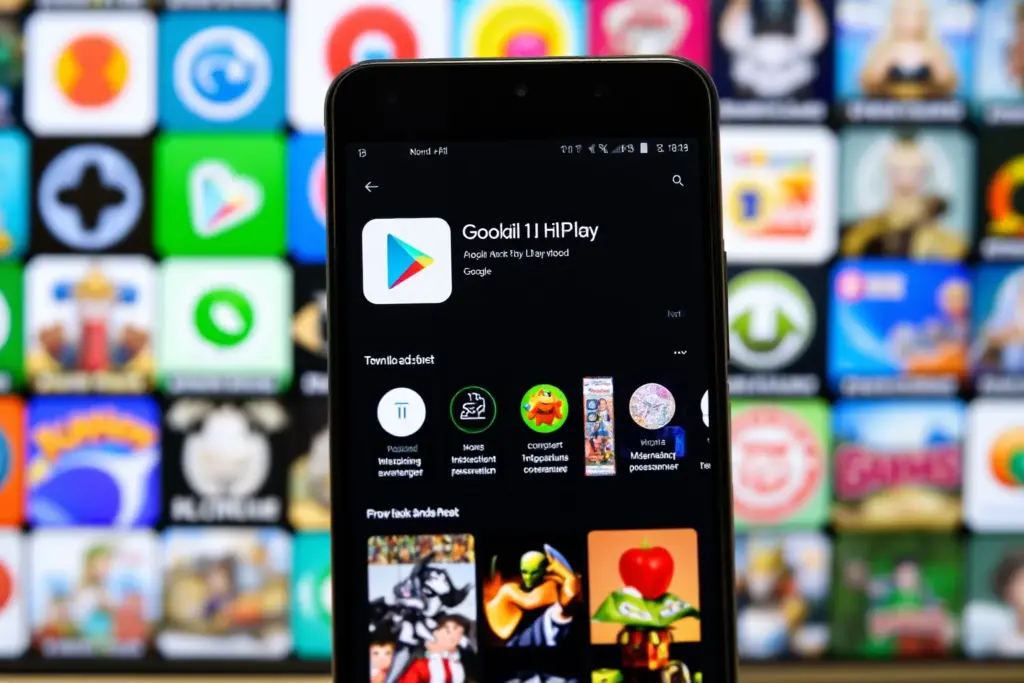
The Google Play Store has started distributing third-party Android app stores, marking a significant shift in the Android ecosystem. This move allows users to access alternative app stores like Aptoide Games directly from the Play Store, expanding their options for downloading Android apps. As an Android user, you can now explore a broader range of apps beyond what’s available on the Play Store, which is why understanding this new distribution model is crucial.
Overview of the New Distribution Model
Google’s decision to allow third-party app stores on the Play Store is part of its effort to provide more choices to users. This change enables developers to distribute their apps through alternative stores, potentially reaching a wider audience. For instance, users can now download Android games from various sources, including those not previously available on the Play Store.
How Third-Party App Stores Work on the Play Store
Third-party app stores like Aptoide can now be downloaded from the Play Store, giving users direct access to a broader catalog of Android apps. This includes apps that might not have been available on the Play Store due to Google’s policies or apps from developers who prefer alternative distribution channels. To use these third-party stores, users simply need to download and install them from the Play Store, then browse and download apps from within the third-party store.
Practical Considerations for Users
While this new model offers more choices, it’s essential for users to consider the implications of downloading apps from third-party stores. This includes understanding the permissions that apps require and being cautious of potential security risks. Users should also be aware of the permissions overview to make informed decisions.
Tips for Android Users Exploring Alternative App Stores
To safely explore third-party app stores, users should:
- Only download apps from reputable sources.
- Read reviews and check ratings before downloading an app.
- Be cautious of apps requesting excessive permissions.
- Keep their device and apps updated to ensure they have the latest security patches.
| Store | Features | Security |
|---|---|---|
| Google Play Store | Curated apps, regular updates | Stringent security policies |
| Third-Party Stores (e.g., Aptoide) | Broader app selection, potential for more niche apps | Varies by store, users must be cautious |
Common Mistakes to Avoid
When using third-party app stores, it’s crucial to avoid common mistakes such as downloading apps from untrusted sources or ignoring permission requests. Users should also be aware of the potential for malware and take steps to protect their devices.
Key Takeaways
The integration of third-party app stores into the Google Play Store offers Android users more flexibility and choice. Key points to remember include:
- The Google Play Store now distributes third-party Android app stores.
- Users can access a broader range of apps, including those not available on the Play Store.
- It’s essential to be cautious when downloading apps from third-party sources.
- Understanding app permissions and security is crucial.
- Keeping devices and apps updated is vital for security.
- Exploring alternative app stores can provide more options for Android users.
- Users should always prioritize their device’s security and privacy.
FAQ
What are third-party app stores?
Third-party app stores are alternative platforms where users can download Android apps, outside of the Google Play Store. These stores may offer apps not available on the Play Store or provide a different user experience.
How do I download third-party app stores from the Play Store?
Users can search for third-party app stores on the Google Play Store and download them like any other app. Once installed, these stores can be used to browse and download additional Android apps.
Are third-party app stores safe?
The safety of third-party app stores varies. While some are reputable and safe, others may pose security risks. Users must be cautious and only download apps from trusted sources.
What are the benefits of using third-party app stores?
The benefits include access to a broader range of apps, potentially more niche or specialized apps, and the ability to choose from multiple sources for app downloads.
How do I protect my device when using third-party app stores?
To protect your device, always download apps from reputable sources, keep your device and apps updated, and be mindful of the permissions you grant to apps.
Can I update apps from third-party stores through the Play Store?
Apps downloaded from third-party stores may not always be updated through the Google Play Store. Users may need to update these apps directly through the third-party store or check the developer’s website for updates.
For safe and reliable Android APK downloads, consider exploring GenuineAPKs, which offers a wide range of apps and games for Android devices.

Leave a Comment